Media library: saving and sharing videos
Download videos from the camera: to the photo library on iOS, to the gallery on Android, or share them directly.
Via "Media library" in the bottom bar, Pathset lists the videos stored on the camera (internal storage and SD card). For each video: thumbnail, resolution/frame rate, duration and size (e.g. "4K30 · 1:23 · 42 MB"). The media library shows thumbnails, downloads and shares; there is no in-app playback.
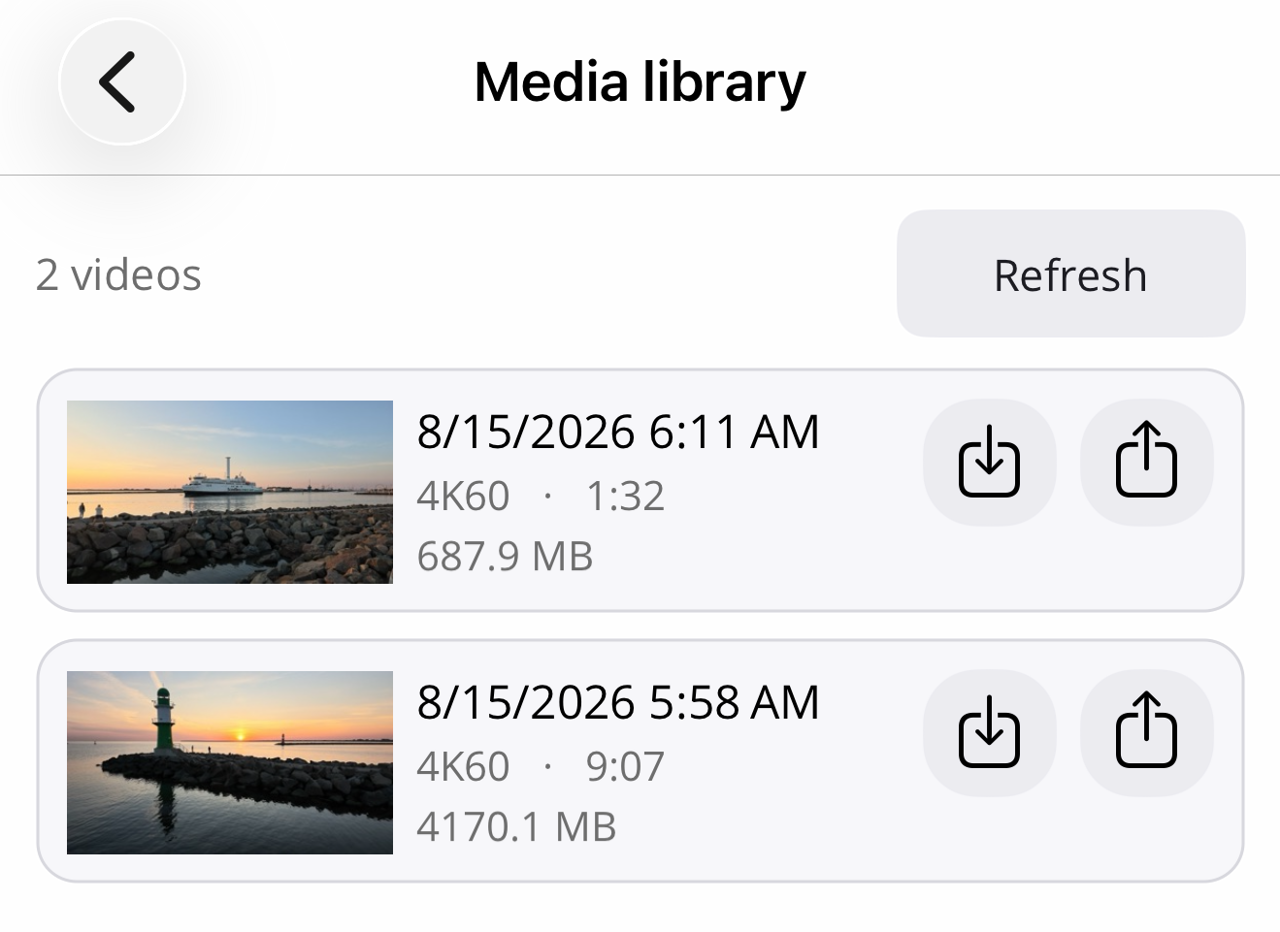
- Save (arrow-down icon): saves the video to the photo library on iOS, to the gallery (folder "Movies/Pathset") on Android.
- Share (share icon): opens the system share menu.
Progress is shown while downloading; loaded thumbnails stay cached so the list is there instantly the next time you open it.
On the Insta360 Luna Ultra and Pro the thumbnail comes from the video's LRV version; the handling is identical.