Example: a path step by step
A complete example with two waypoints: a slow, even pan that is hard to pull off freehand.
A short, complete example of a path that is hard to pull off freehand: a slow, even pan while you hold the camera up (in your hand or on a selfie stick). Two waypoints are enough. The bundled "Full sweep, slow" template does the same across the full pan range; here we build a small version from scratch so the setup of each point is clear.
The reference: the centred pose. All angles are absolute and relative to the camera's centred pose: pan 0° (straight ahead) and tilt 0° (level). You set this pose in the editor by tapping the crosshair. From there, −45° means "45° to one side", +45° "45° to the other".
The two waypoints:
| Point 1 (start) | Point 2 (end) | |
|---|---|---|
| Pan | −45° (left) | +45° (right) |
| Tilt | 0° | 0° |
| Zoom | 1.0× | 1.0× |
| Travel time | 0 (fast approach) | 12 s (slow pan) |
| Hold time | 5 s | — |
| Record | off | on |
How to lay down the points:
- Home screen → "New" → empty path (or open the "Full sweep, slow" template and adjust).
- In the editor, tap the crosshair so 0°/0° points straight ahead.
- Point 1: pan left with the horizontal joystick until the pan reads −45°, then tap "Capture point". Tap the point in the list and set it exactly in the edit card: pan −45, tilt 0, zoom 1.0×, travel time 0, hold time 5, record off.
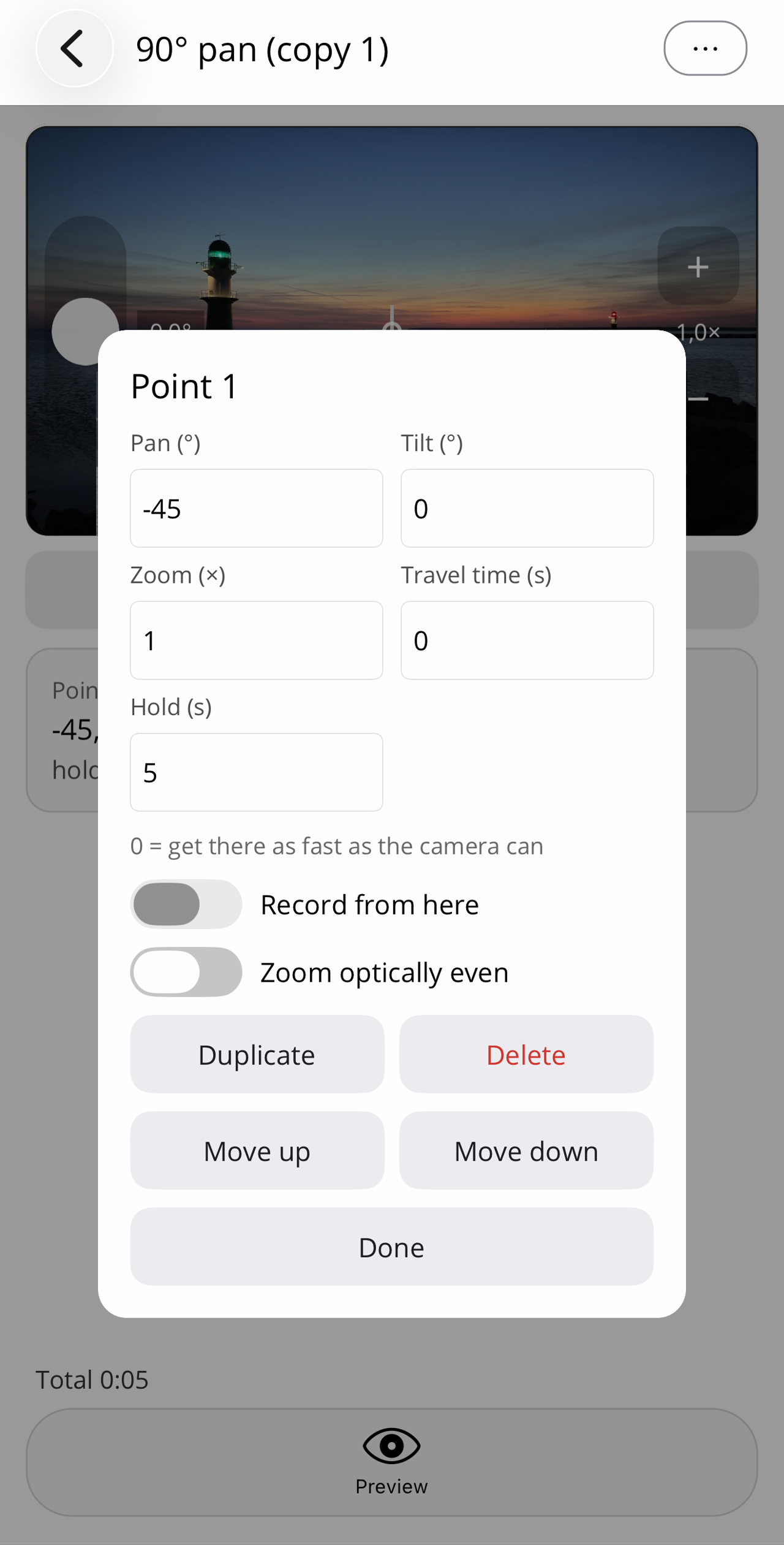
Point 1: fast approach to −45°, not recording yet. - Point 2: pan right to +45°, tap "Capture point", then in the card: pan +45, tilt 0, zoom 1.0×, travel time 12, record on.
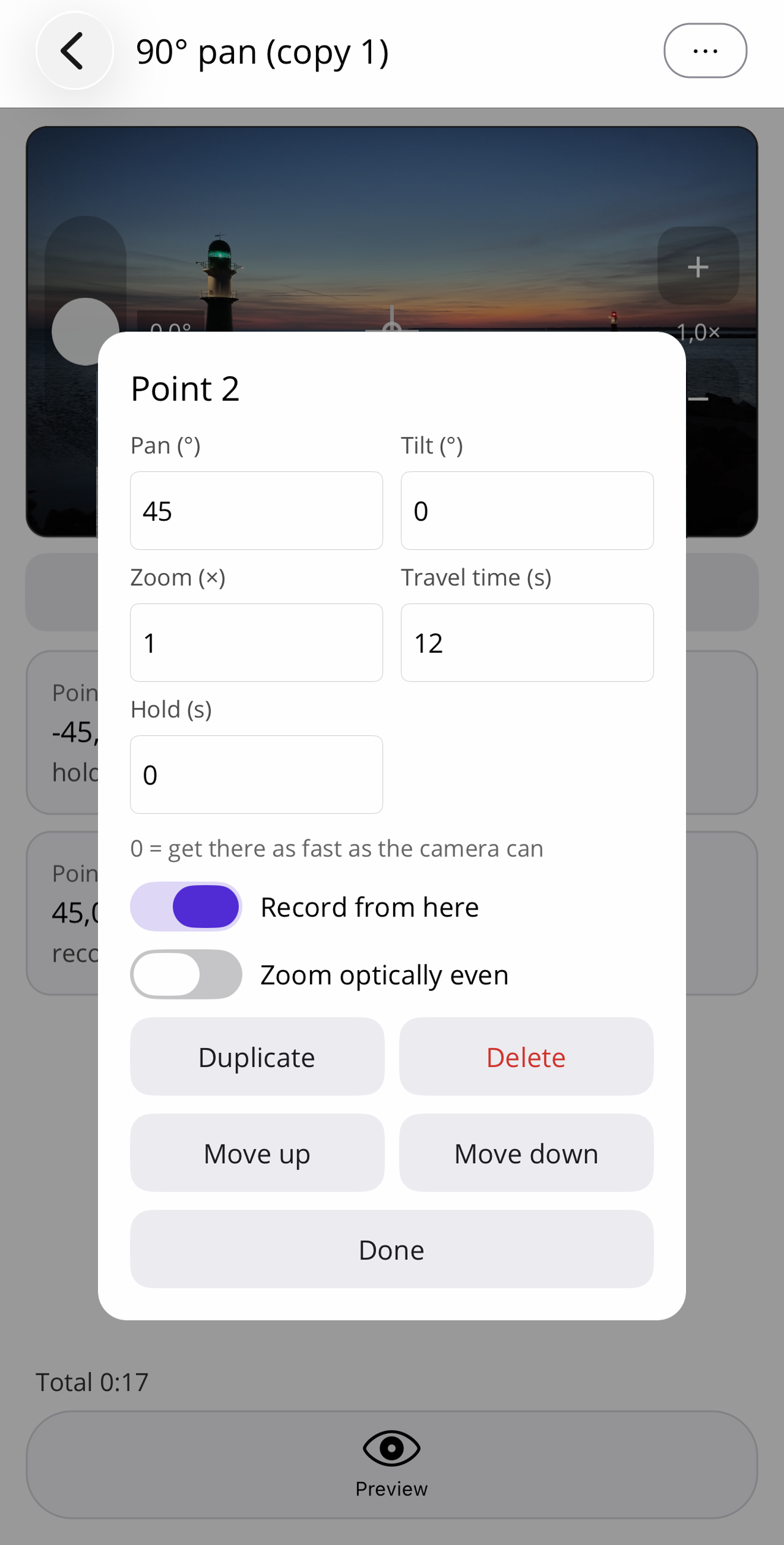
Point 2: to +45° in 12 seconds, recording. - Optionally tap Preview at the bottom (runs the path without recording), then return to the home screen.
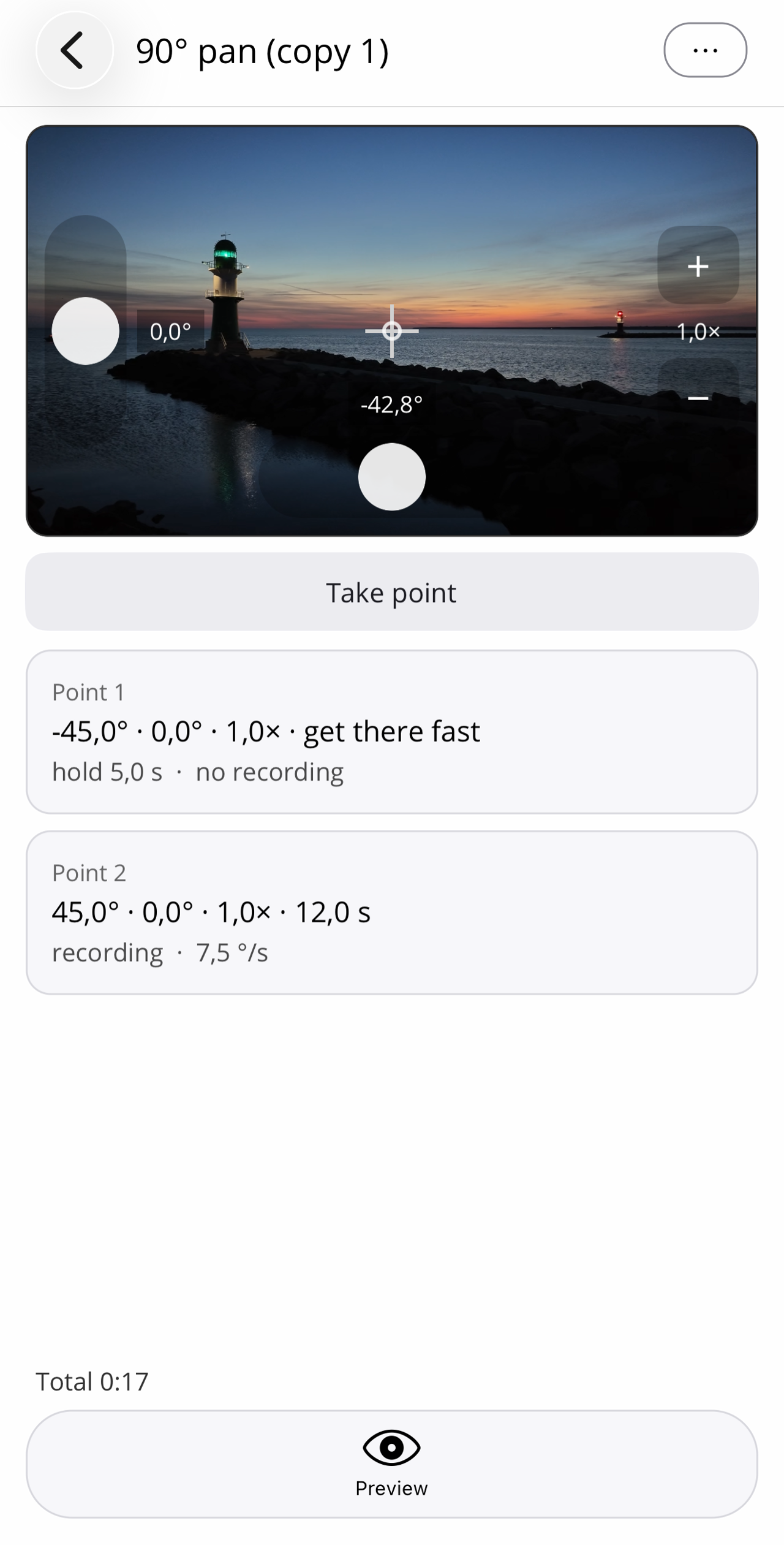
What happens on Start: the camera centres, swings briskly to −45° (not recording yet) and holds for 5 seconds: time to raise the camera or line up the stick. Then it moves evenly to +45° over 12 seconds while recording: a calm 90° pan (about 7–8°/s) that is hard to match freehand.
Variations:
- Calmer: more travel time (e.g. 15–18 s) at the same angles.
- Other direction: swap the signs, the live view shows immediately which side is "left".