Live view

The camera image in the app: for framing your shot and checking while a path runs.

Use the ⋯ → Live view switch to show the camera image. It appears on the home screen above the status bar and keeps running during a path, handy for checking the framing. In the editor the live view is always visible (for framing waypoints).
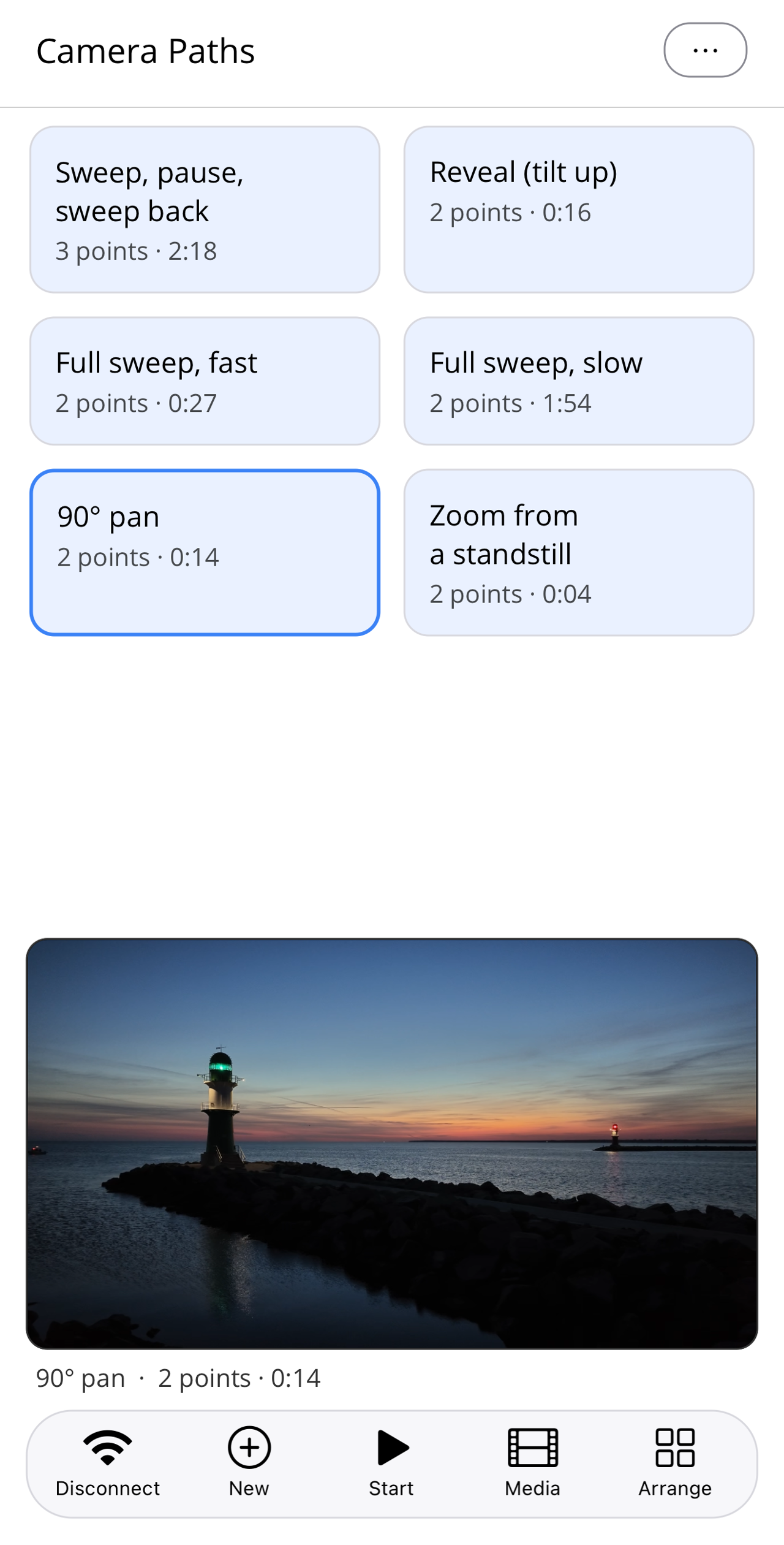
Pathset home screen with the selected, blue-outlined tile "90° pan"; above the bottom bar the camera's live view with two pier lights at dawn.
Home screen with the selected "90° pan" path; above the bottom bar the live view.

Pathset is an independent third-party app. It is not made by, affiliated with, endorsed by, or sponsored by DJI, SZ DJI Technology Co., Ltd., or Arashi Vision Inc. (Insta360). "DJI", "Osmo" and "Osmo Pocket" are trademarks of SZ DJI Technology Co., Ltd. "Insta360" is a trademark of Arashi Vision Inc. All trademarks are the property of their respective owners.