Media library: saving and sharing videos
List the videos on the camera, save them to your phone and share them.
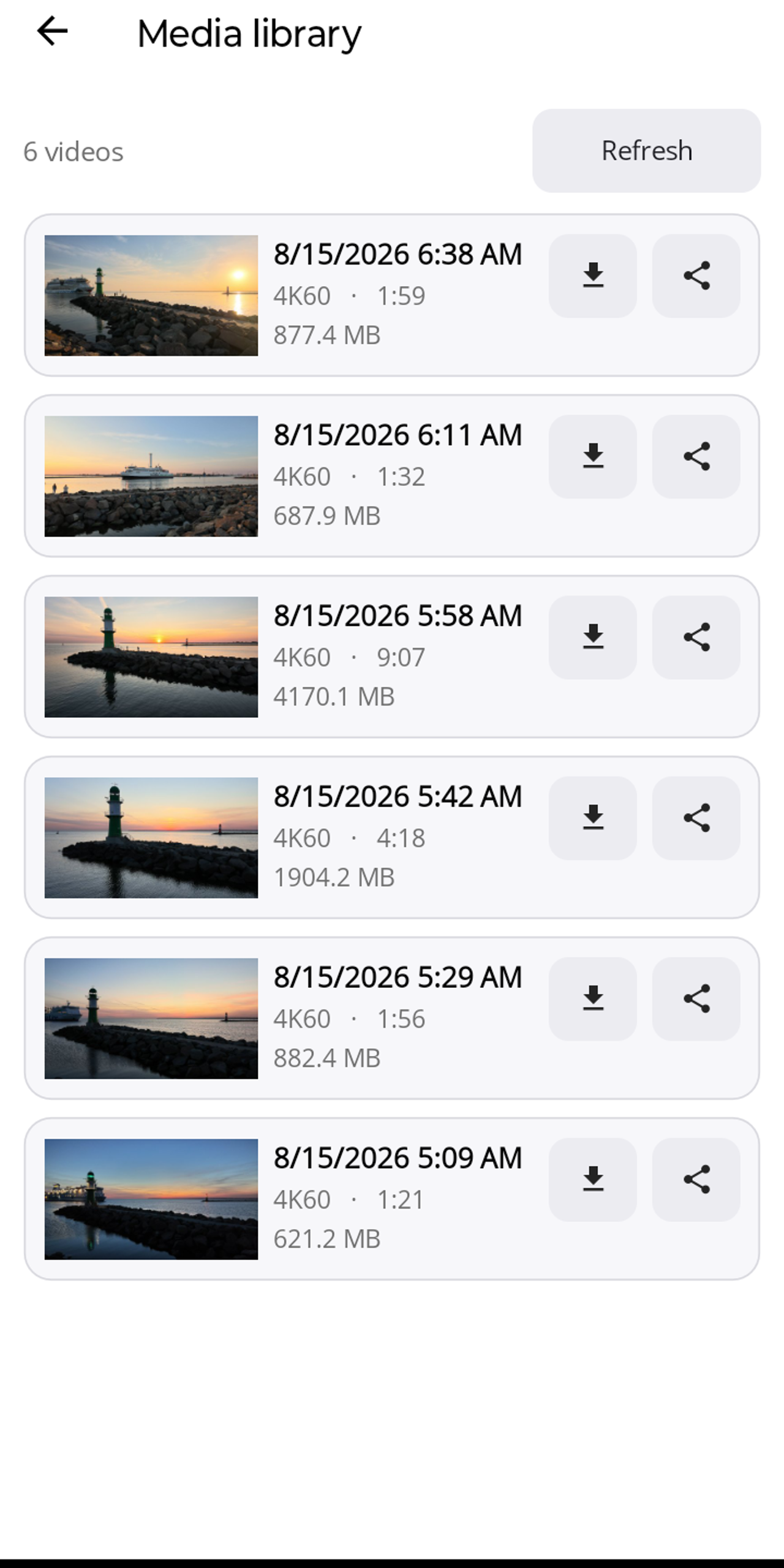
While connected, "Media" in the bottom bar opens the list of videos on the camera, each with thumbnail, date, resolution and frame rate, length and size. "Refresh" reloads the list.
- Save: downloads the video to your phone, on Android to the gallery (folder "Movies/Lapset"), on iPhone to Photos.
- Share: opens the system share menu.
The media library shows thumbnails, saves and shares; there is no in-app playback.