Live view, centring, zoom and recording
The camera image in the app: tap the crosshair to centre, plus zoom and recording without reaching for the camera.
Live view and centring
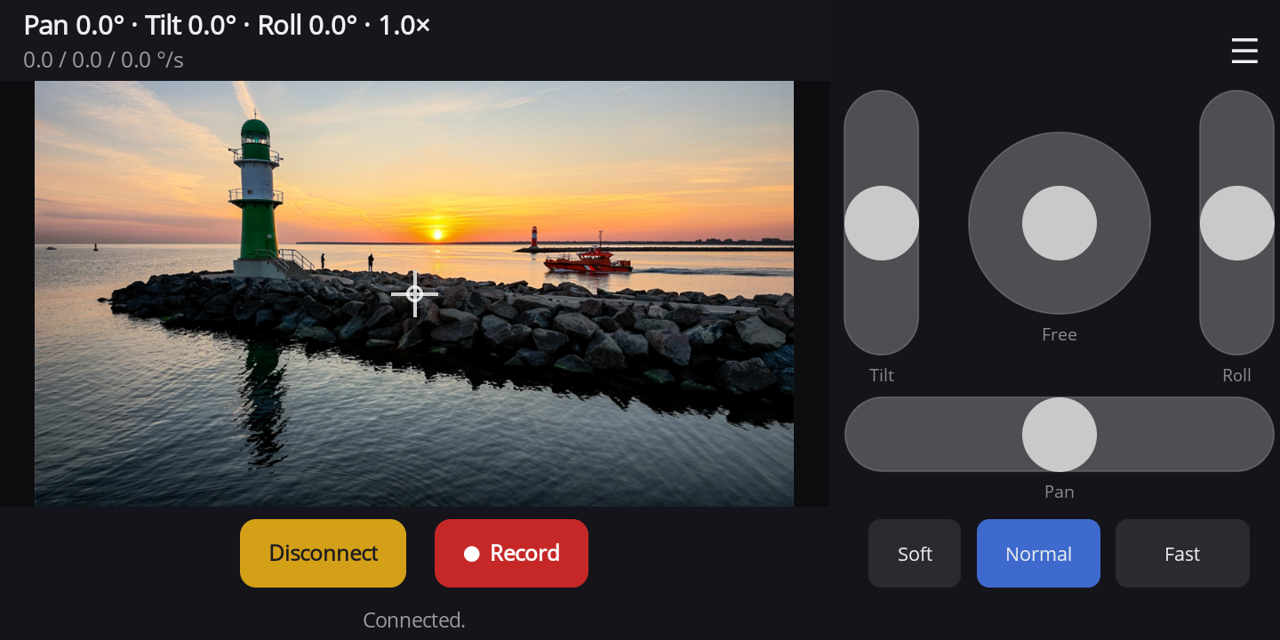
Panset shows the camera's live view in 16:9: with bars in portrait, large in landscape. Tap the crosshair to centre: the gimbal moves forward and level, roll is straightened. From this zero position the angles in the pose line are counted.
The pose line shows "Pan · Tilt · Roll · Zoom factor" as real telemetry from the camera, below it the current speed for pan, tilt and roll in °/s.
Zoom
Zoom via the zoom slider (depending on assignment) or the zoom pad of the standard layout: up zooms in, down zooms out. In the menu choose "Zoom: fine / fast": fine for small steps, fast for jumps across the camera's zoom levels.
Recording
"Record" starts and stops video recording on the camera; while recording, the button shows "■ mm:ss". The camera handles the recording, the file ends up on its memory card.